
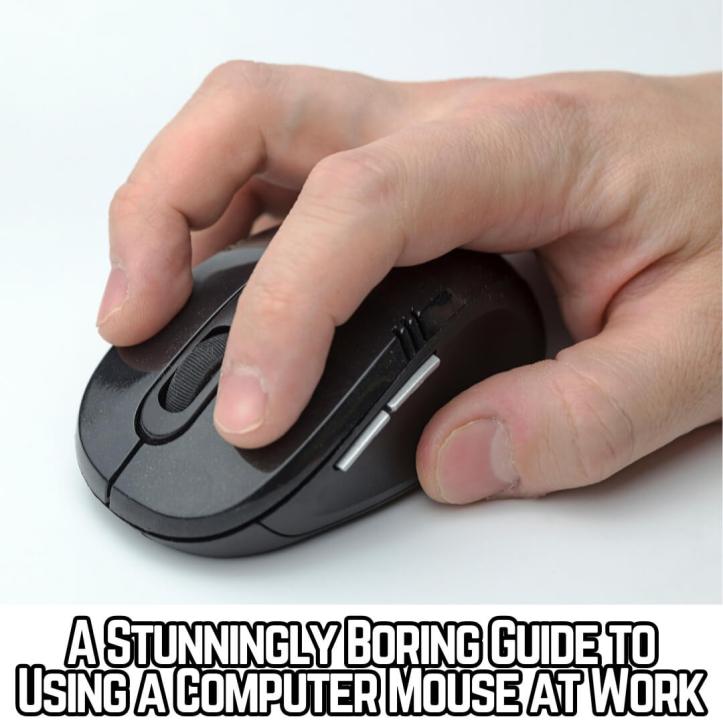
There comes a time in any professional’s life to use a computer mouse. As daunting as this may initially seem, it’s really nothing much to shit a brick about.
Computer mouses (plural) are superb. They help employees do stuff. Without a computer mouse, your office-based workforce will be about as effective as a giraffe in a casino.
As such, it’s good business practice to ensure all your members of staff know how to use this item, as without this knowledge your business empire may well implode spectacularly.
Employment Laws Regarding Computer Mice and All That Sort of Stuff
This matter is legislated by The Using Computer Mouses (Miscellaneous Mice) in the Office at Work Act 1974.
The computer mouse was invented in 1963 and had already infested offices worldwide by the Seventies, thus forcing barbaric and draconian employment laws into place. On page 32,021 in section 123 (a) of said Act, it states:
“Employers must think of the computer mouse as they would a set of Medieval stocks, essentially welding a member of staff in place to complete your nefarious bidding. As with Medieval stocks, you may feel free to pelt the, aforementioned, employees with the likes of rotten vegetables and eggs. The use of a computer mouse is not about liberation with productivity—it is a tool of humiliation that ensures you may perform a despicable laugh at any moment of the day to confirm your status as pernicious and all-controlling.”
Do note, employers like yourself can also install Medieval stocks in the workplace (see Medieval brutality at the workplace) alongside regular mouse usage.
However, you must also enforce computer mouse usage with a sense of berserk glee. Here’s how:
- Have guards on hand to thrash non-computer mouse users with whips.
That’s it. You’ll need to hire some really nasty bastards to accomplish that. Merciless ones who don’t mind punishing hapless staff who’ve done nothing wrong.
With these people in your workforce with whip cracks beating down, you’ll never have any further problems with anything for the rest of your working life (and then some). Guaranted! Oh, except for…
THE HORRORS OF REPTITIVE STRAIN INJURY! How to Avoid the Collapse of Your Workforce
Repetitive strain injury (RSI) is up there with gout and scurvy as the harbinger of doom on humankind. It’s that bad! A real horror story.
The signs and symptoms of RSI include, but aren’t limited to:
- Roaring mighty loud in excruciating agony (although, do note, this may also be due to an employee realising their lunch has been stolen from the fridge).
- Hands, knuckles, fingers, and wrists swelling to up to 30 times their normal size (please note, we’ve exaggerated that total for dramatic effect).
- A decrease in the sounds of mouse clicking in the office.
- Saying things such as, “I can no longer use the computer mouse, for I have repetitive strain injury.”
- Absenteeism.
- Outbreaks of famine (although this may be unrelated, but we’re throwing it in there anyway).
To avoid RSI at work, you should train your employees on the ins-and-outs of crop rotations and fundamental agriculture. This’ll ensure there isn’t a famine outbreak in your business.
But if there is, it’s good business practice to remind your members of staff they can head off down to the local off-license. There they’ll find, in wild abundance, foodstuffs such as tins of baked beans.
Training Employees How to Use a Computer Mouse
Another issue you may face is particularly dumb, or technophobe, employees who can’t figure out how to use a mouse.
This can be extraordinarily frustrating and may even make you want to stamp on the offending employee’s foot (left or right). However, don’t do that as it’s a mixture of assault and harassment and it’s just not very nice, really.
Instead, dedicate an entire day to training employees how to use one (a mouse). Instructions will include the likes of:
- Where to find a mouse
- How to unpackage the mouse
- How to plug it into the computer
- How to differentiate clicking on the left and right bits
- How to manoeuvre the spinny wheel bit in the middle no one knows the name of
Be sure to remind the employee the different between computer mice and a real life mouse. Otherwise they may become extremely confused and agitated about having to handle a rodent to complete their day-to-day duties.
This is a mouse (watch how it effectively negotiates a pay rise).
The key differences between it and a computer mouse are:
- Computer mice aren’t alive
- They can’t move
- They can’t negotiate pay rises
- They aren’t cute and furry
- They don’t dine on titbits of food
Your employees are also much less likely to scream hysterically upon sight of a computer mouse. Whereas if you have real mice running around in your office, you probably have a major infestation. Bummer.
Key Computer Mouse Takeaways
Despite their potential to cause famine and horrify all whom use them, computer mice are also very helpful for completing spreadsheets and clicking stuff.
The excessive clicking noises in your office may drive everyone half insane, but that won’t matter once you see your annual bank balance. Those clicks mean profit!
And that’s a wrap! Next week, we’ll explain how you can use a computer mouse as a lasso to drag your computer chair in your general direction. 👍
